

Create a safe zone
Safe zones are the places you usually access your services from. This guide explains how to create a new one from the app. To learn what a safe zone is, see Safe zones.
How to create a safe zone
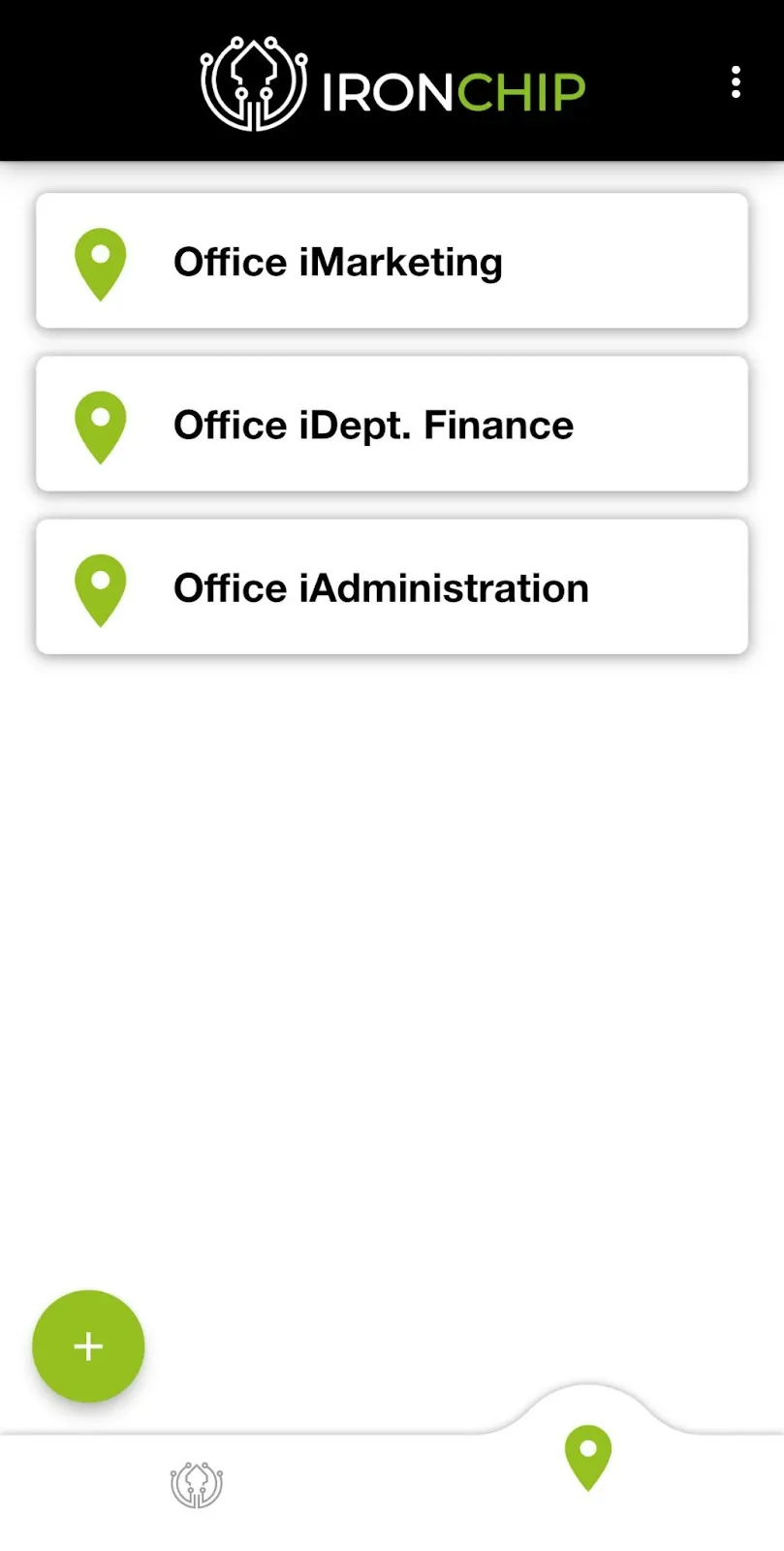
Section titled “How to create a safe zone”The safe zones tab lists all the keys you can operate with, if your administrator so decides. They include the keys you created yourself and the ones shared with you.
-
Tap the + icon.
-
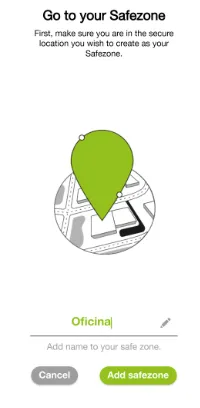
Enter a name for your safe zone.
-
Tap Add Safe Zone.
-
Wait for the progress indicator to finish. When it ends, your safe zone is created.
Was this page helpful?
Thank you. We will use it to improve the documentation. If you want to tell us what is missing or unclear, write to support@ironchip.com.