

User guide
This guide explains how to use Ironchip day to day: install the authentication application, enroll your device, authenticate to your services and solve the most common problems.
Our product, Location Identity Platform
Section titled “Our product, Location Identity Platform”Location Identity Platform gives companies the highest level of security and control over all corporate access. The platform integrates with more than 5,000 services or applications. It can monitor every access and configure rules or identity factors according to your security policies, which lets it determine the identity of users and authorize access to the different applications of the company.
Ironchip’s identity solution is made up of several elements that let you authenticate to services in different ways.
Authentication platform
Section titled “Authentication platform”An authentication platform is any system used to identify a user or employee of the company and verify their identity. For example, a mobile application, a USB device or a desktop application can verify the identity factors required to grant access.
Authentication application
Section titled “Authentication application”The Ironchip authentication application is the method you use to sign in to your company’s services. It has three main tabs:
-
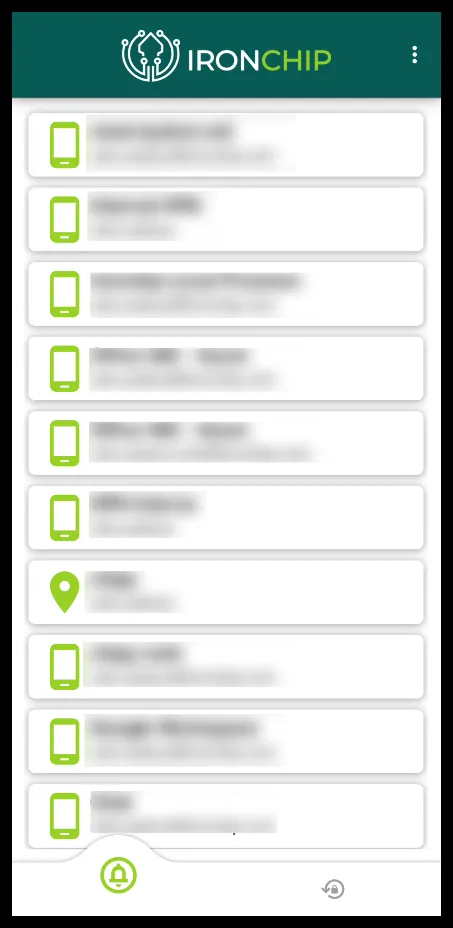
Main tab: shows the services of your company that you have access to.
-
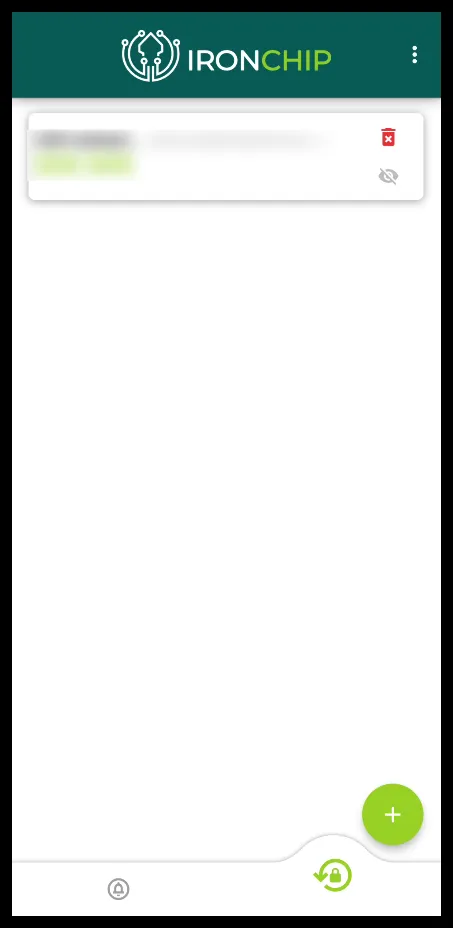
OTP tab: lets you set up your OTP authentication services. If you already have OTP services configured, they also appear here. Use the + button to add a new one.
-
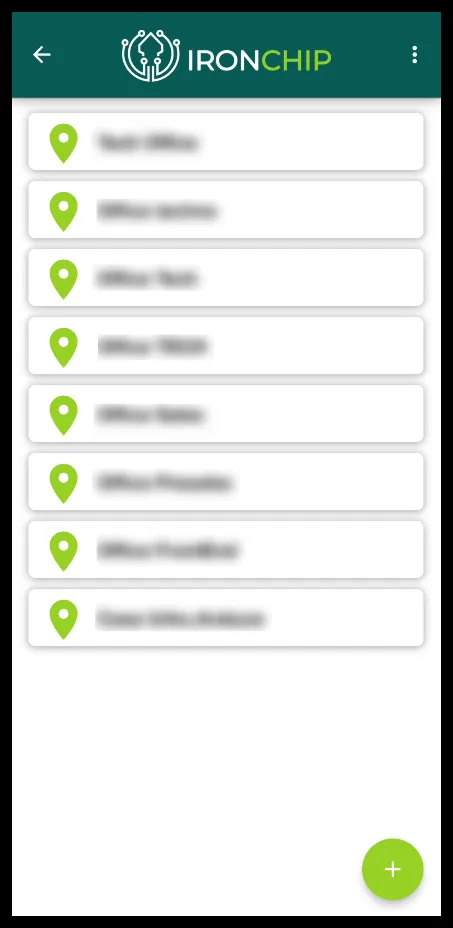
Safe zones tab: shows the zones you usually access your services from, as well as the zones you have created manually.
What is a safe zone?
Section titled “What is a safe zone?”A safe zone is an area from which the user typically operates. A fraudulent operation tends to be carried out from a location far from the user’s safe zones.
A safe zone is also a unique geographic location that cannot be spoofed. An administrator can require users to authenticate only from the safe zone that has been set.
The safe zone concept is complemented by the Ironchip device recognition system. For more detail, see Safe zones.
What to read next
Section titled “What to read next”- Enrollment: download the application and enroll your device.
- Authenticate with Ironchip: sign in to web services, Windows and Linux.
- Create a safe zone: add your own safe zones from the application.
- Recover your access: restore your account if you lose access.
- Troubleshooting: frequently asked questions and common errors.
- Mobile application and desktop application: how to use each application.
Was this page helpful?
Thank you. We will use it to improve the documentation. If you want to tell us what is missing or unclear, write to support@ironchip.com.