

Recover your access
If you have lost access to your account, an administrator can start its recovery. This guide explains the steps you need to follow.
-
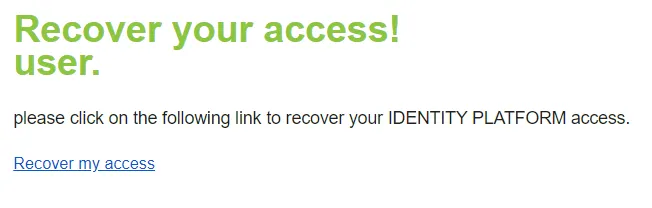
Contact your administrator. Once they have started the recovery, you receive an account recovery email.
-
In the email, click Recover my access.
-
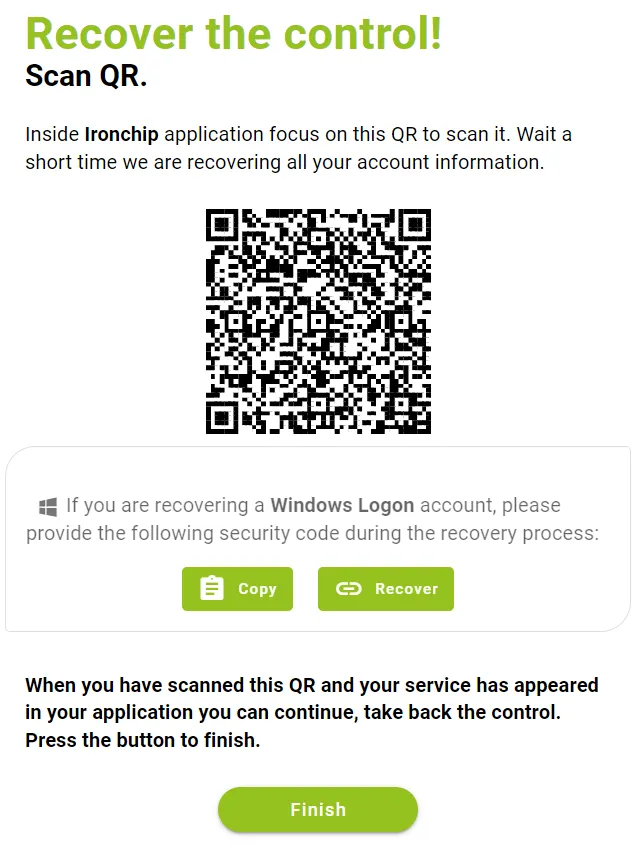
A window with a QR code opens. Scan it with your mobile phone.
-
Grant all the permissions the app requests, accept the terms and conditions and scan the QR code provided.
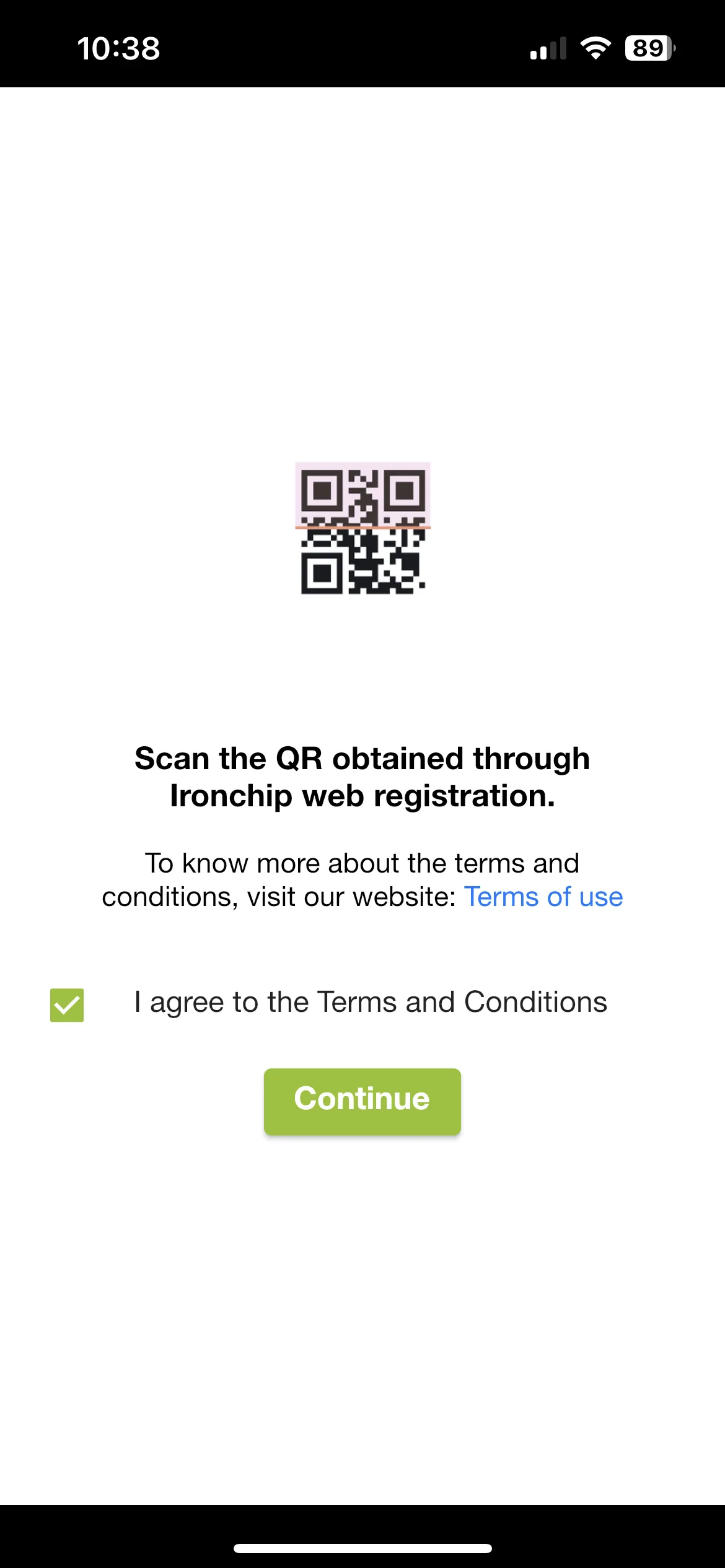
When you finish, your account access is restored.
Was this page helpful?
Thank you. We will use it to improve the documentation. If you want to tell us what is missing or unclear, write to support@ironchip.com.