

Activity and metrics
The Monitoring section of the admin console brings together the activity logs (Logs) and the authentication metrics (Metrics). You check the contracted license and the billing details in Billing, inside Account settings.
Activity logs
Section titled “Activity logs”In the activity logs (Activity Logs, in Monitoring > Logs) you monitor and analyze activity and event logs, which are essential for the security, performance, and integrity of the platform. Here you can detect problems, run analysis, and take proactive measures. The platform shows events and logs such as:
- Successful and failed accesses: logins and authentication failures.
- Configuration changes: events that indicate changes in the system configuration.
- Errors and exceptions: events that signal errors in the normal operation of the system.
- User activity: actions performed by users, such as creating or deleting resources.
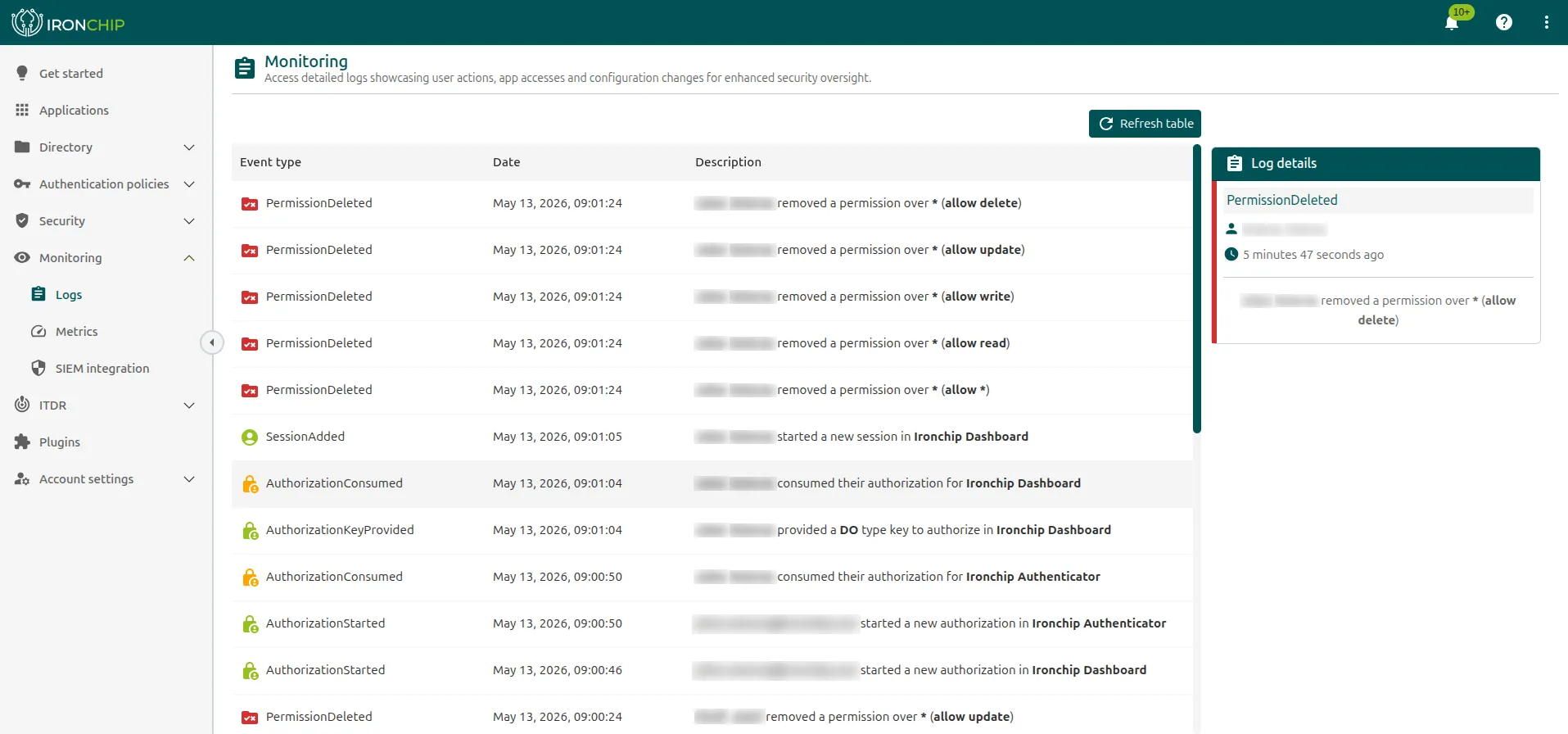
On the right, you see the most important details of the selected log: the type of event, the user who performed it, and how long ago it occurred.
Metrics
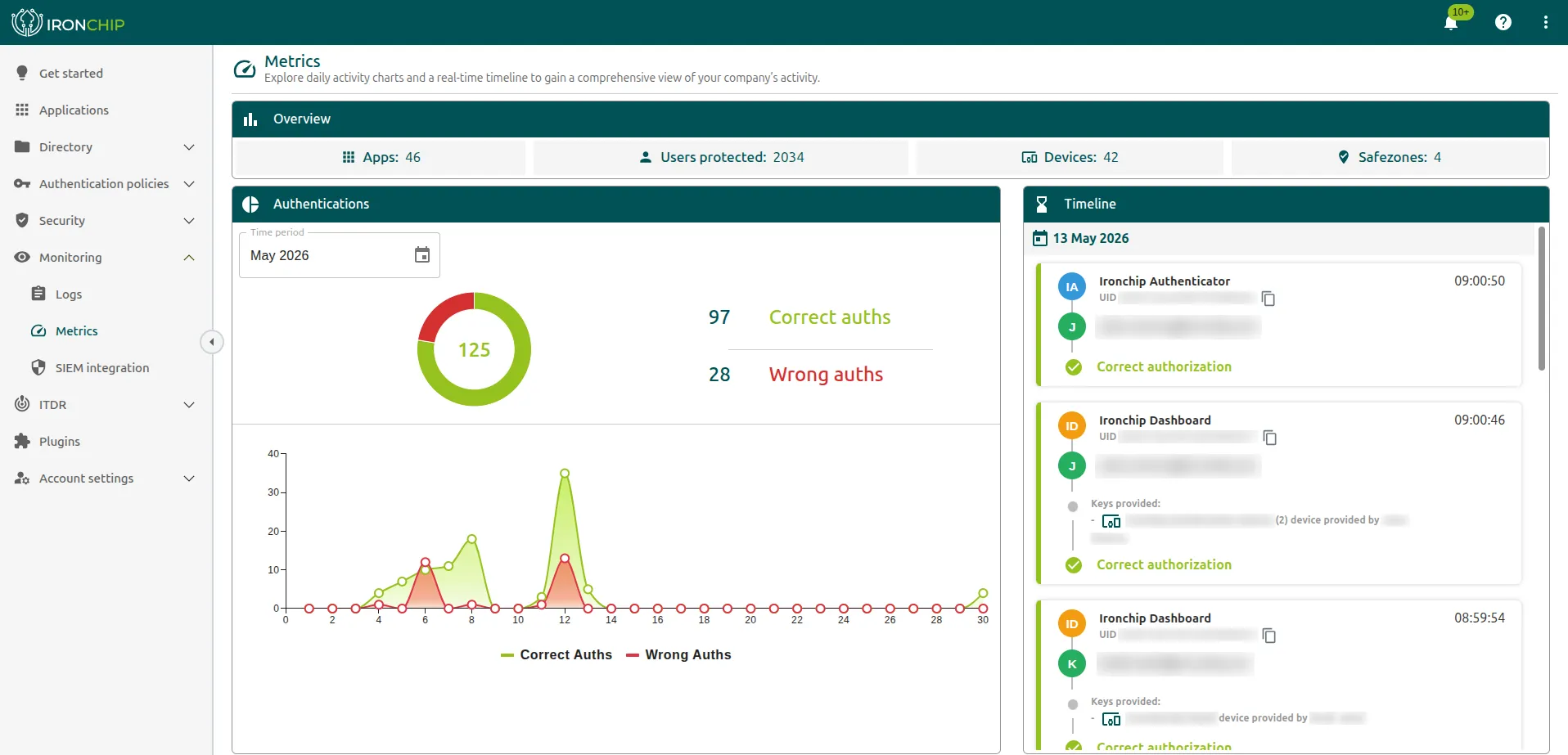
Section titled “Metrics”In the metrics section (Monitoring > Metrics) you see statistics about the company: the number of authentications, of services, and of registered users, the daily activity, and more. They give valuable information about the use and security of the platform.
Company metrics
Section titled “Company metrics”- Authentications: the authentications carried out in the company, separating correct and incorrect ones.
- No. of Services: the services created and protected in the company.
- No. of Users: the users registered in the company.
- Daily activity: a chart of the authentications carried out each day of the selected month, separating correct and incorrect ones.
- Timeline: the authentications carried out in the company in real time. For each one you can see:
- In which service and at what time a user authenticated.
- The keys that were used, that is, the device and, if required, the safe zone. If a safe zone was used, the percentage with which the service was accessed appears.
- The result of the authorization: correct or incorrect.
User metrics
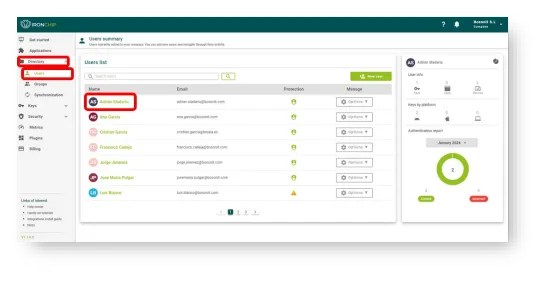
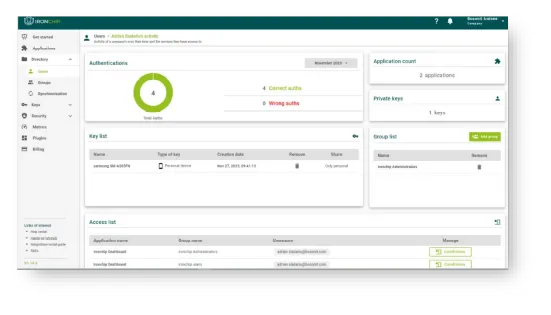
Section titled “User metrics”Besides the general metrics, you can see the metrics of each user by selecting the user in the list of users:
- Authentications: the authentications carried out by the selected user, separating correct and incorrect ones.
- No. of Services: the services the user has access to.
- No. of Keys: the keys the user has access to, both personal and shared.
Service metrics
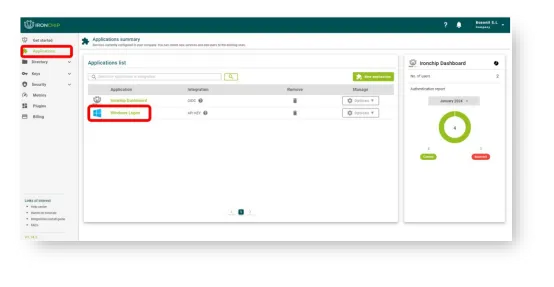
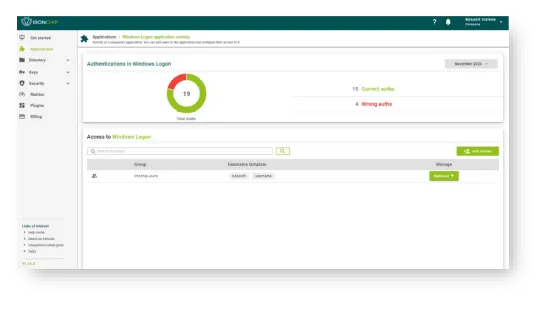
Section titled “Service metrics”And the metrics of each service, by selecting it in the list of applications:
- Authentications: the authentications carried out on the selected service, separating correct and incorrect ones.
- No. of Users: the users with access to the service.
- No. of Keys: the keys with which the service can be accessed, both personal and shared.
Billing and licenses
Section titled “Billing and licenses”License management is essential to control how many users and safe zones you can use on the platform. Each license has a limit, and you should stay within it to avoid access problems and keep the platform working properly.
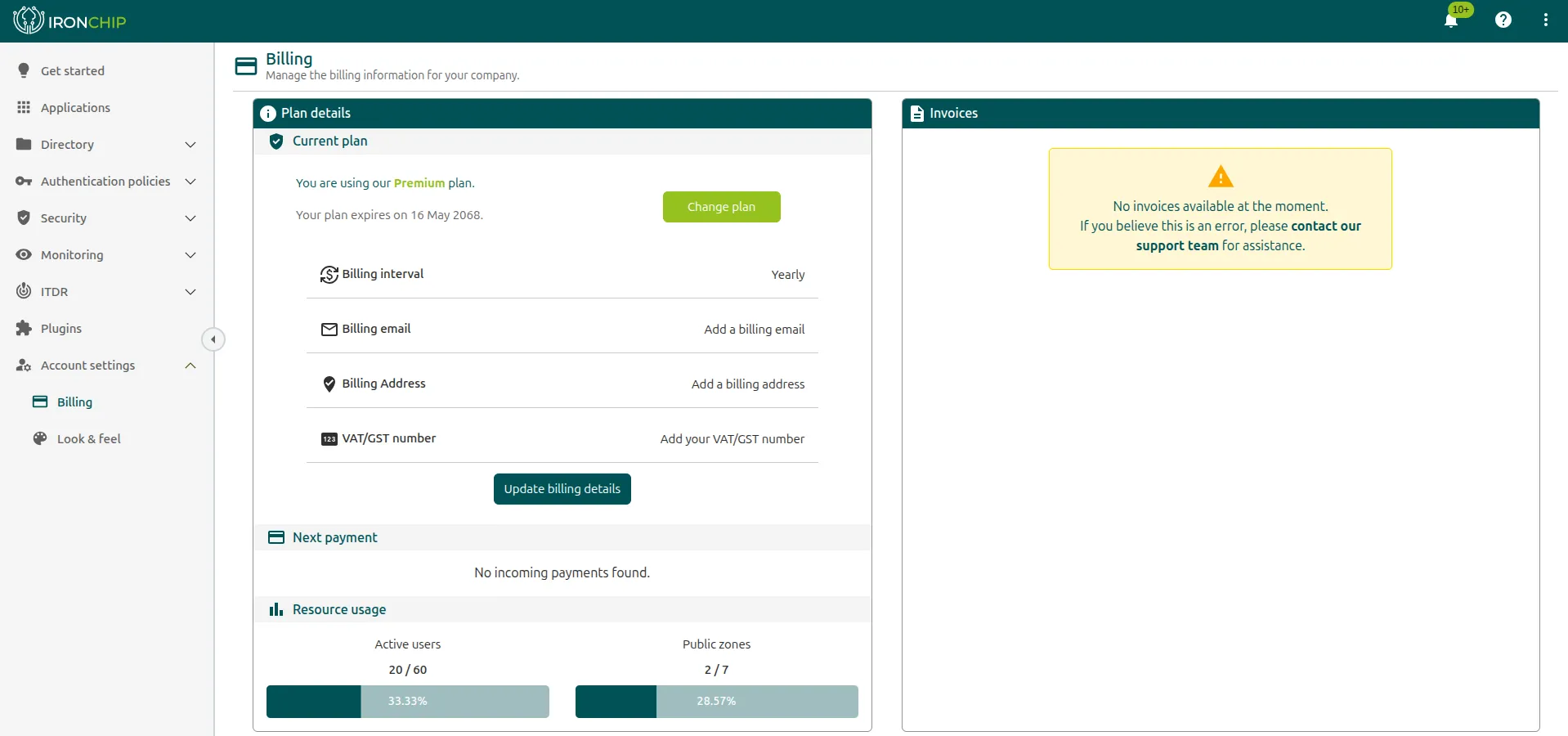
In Account settings > Billing you check the contracted license plan. The page shows:
- Plan details: the current plan (Current plan), its expiration date, and the Change plan button. Also the billing interval (Billing interval), the email (Billing email), the address (Billing Address), and the VAT number (VAT/GST number), which you update with Update billing details.
- Next payment: the next expected payment.
- Resource usage: the active users (Active users) and public zones (Public zones) in use compared with the contracted ones, with the percentage used.
- Invoices: the available invoices.
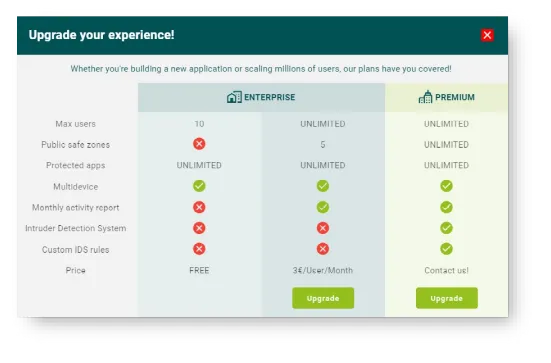
If you need more users or shared safe zones, you can change the license. There are three types of license, and their properties are described in the console.
Was this page helpful?
Thank you. We will use it to improve the documentation. If you want to tell us what is missing or unclear, write to support@ironchip.com.